Open source terminal organizer
Your day, organized.
Right from your terminal.
Manage tasks and events using natural language. Powered by AI, runs locally, syncs with Google Calendar.
$
curl -fsSL https://raw.githubusercontent.com/ramtoearth/jinx/main/scripts/install.sh | bash Copied! macOS and Linux. See all platforms
jinx
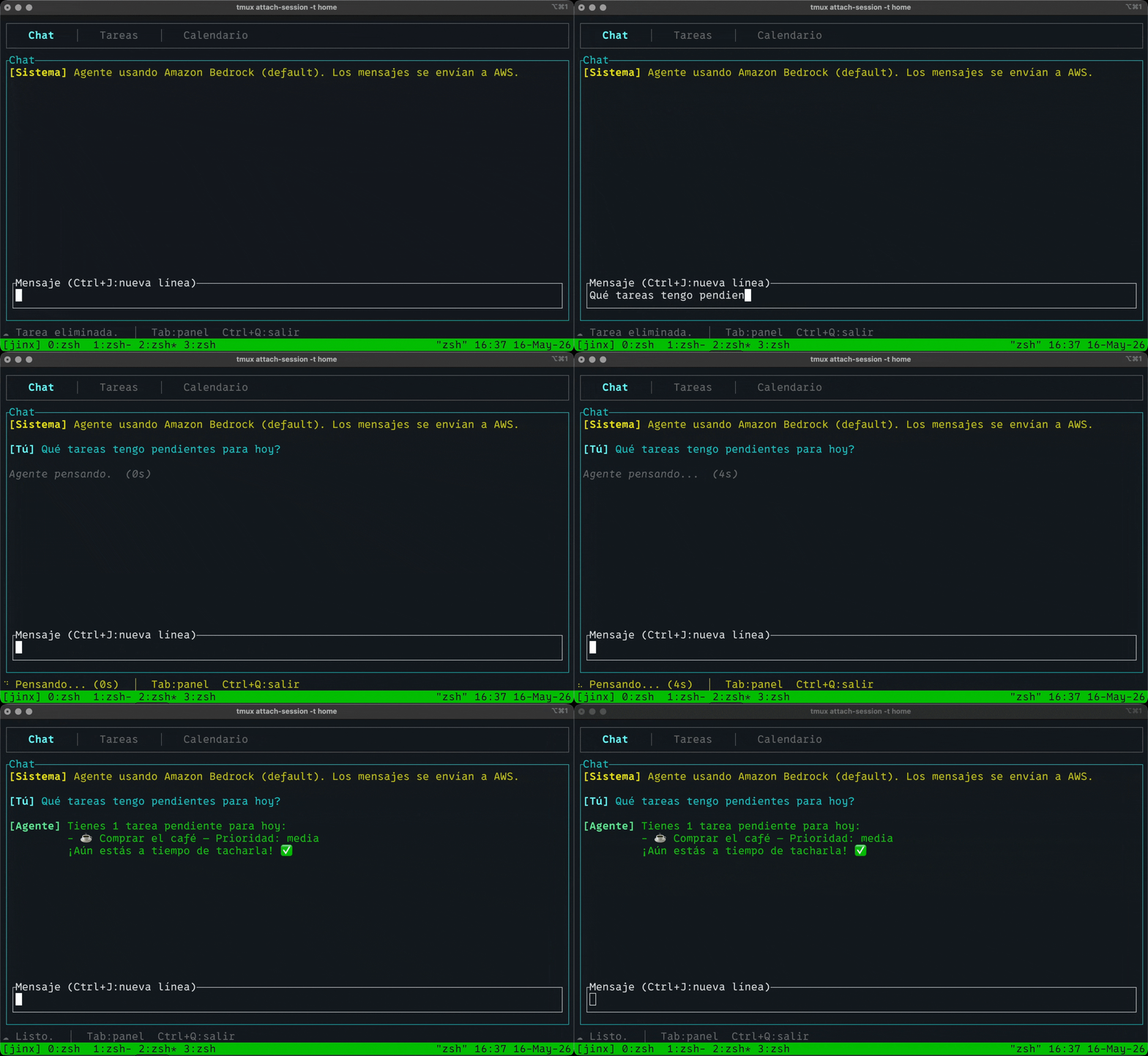
Any model. Your choice.
Run locally with Ollama or connect to any major AI provider. Switch models instantly with Ctrl+P
Default
Ollama
Local
OpenAI
GPT-4o
Anthropic
Claude
Gemini
Bedrock
AWS
LlamaAPI
Meta
Get started in under a minute
Three steps. No account. No configuration files.
01
Install jinx
One command to download the binary and set up the runtime.
curl -fsSL https://raw.githubusercontent.com/ramtoearth/jinx/main/scripts/install.sh | bashCopied! 02
Install Ollama
Get Ollama and pull a model with tool-calling support.
# Install from https://ollama.com
ollama pull llama3.2:3bCopied!
03
Launch
First launch takes ~30s for dependency setup. After that, it's instant.
jinxCopied! Windows? Use PowerShell:
irm https://raw.githubusercontent.com/ramtoearth/jinx/main/scripts/install.ps1 | iex Copied!